
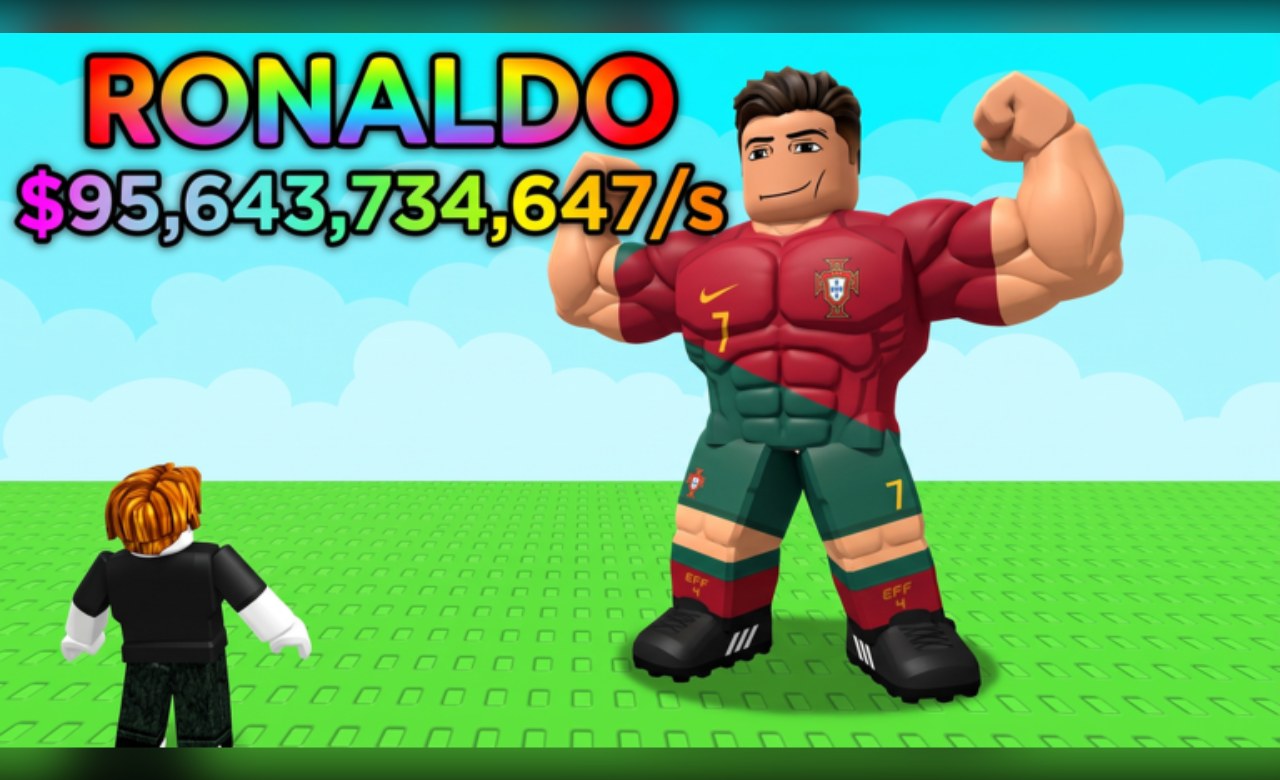
Grinding out speed on the treadmill and waiting around to swipe players can get old fast, which is why using the Steal A Soccer Player script helps you skip the boring parts.
The main loop is all about stealing soccer players from other bases, collecting rare talent, and upgrading your setup to rake in more cash. You train on the treadmill to get faster, raid rival players, and hunt for mutations.
If you want to grab some free cash to boost your squad, you should definitely use the active code before it expires.
Steal A Soccer Player Script – PATTI DEV & More
-- // Services
local Players = game:GetService("Players")
local RunService = game:GetService("RunService")
local CoreGui = game:GetService("CoreGui")

local player = Players.LocalPlayer
local character = player.Character or player.CharacterAdded:Wait()
local humanoid = character:WaitForChild("Humanoid")
local rootPart = character:WaitForChild("HumanoidRootPart")

-- // Remove existing GUI if already running
if CoreGui:FindFirstChild("SoccerHQ_StealScript") then
    CoreGui.SoccerHQ_StealScript:Destroy()
end

-- // Main ScreenGui Setup
local screenGui = Instance.new("ScreenGui")
screenGui.Name = "SoccerHQ_StealScript"
screenGui.Parent = CoreGui
screenGui.ZIndexBehavior = Enum.ZIndexBehavior.Sibling

-- // 1. Toggle Logo Button (Screen par hamesha dikhega)
local toggleLogo = Instance.new("ImageButton")
toggleLogo.Name = "ToggleLogo"
toggleLogo.Parent = screenGui
toggleLogo.BackgroundColor3 = Color3.fromRGB(25, 25, 25)
toggleLogo.BorderSizePixel = 0
toggleLogo.Position = UDim2.new(0.05, 0, 0.15, 0)
toggleLogo.Size = UDim2.new(0, 55, 0, 55)
toggleLogo.Image = "rbxassetid://6034293437"
toggleLogo.Draggable = true
toggleLogo.Active = true

local logoCorner = Instance.new("UICorner")
logoCorner.CornerRadius = UDim.new(1, 0)
logoCorner.Parent = toggleLogo

-- // 2. Main GUI Panel
local mainFrame = Instance.new("Frame")
mainFrame.Name = "MainFrame"
mainFrame.Parent = screenGui
mainFrame.BackgroundColor3 = Color3.fromRGB(35, 35, 45)
mainFrame.BorderSizePixel = 0
mainFrame.Position = UDim2.new(0.15, 0, 0.2, 0)
mainFrame.Size = UDim2.new(0, 260, 0, 320)
mainFrame.Visible = true
mainFrame.Draggable = true
mainFrame.Active = true

local frameCorner = Instance.new("UICorner")
frameCorner.CornerRadius = UDim.new(0, 12)
frameCorner.Parent = mainFrame

-- // Title Label (ᴩᴀᴛᴛɪ_ᴅᴇᴠ123 ꜱᴄʀɪᴩᴛ)
local titleLabel = Instance.new("TextLabel")
titleLabel.Parent = mainFrame
titleLabel.BackgroundColor3 = Color3.fromRGB(20, 20, 30)
titleLabel.BorderSizePixel = 0
titleLabel.Size = UDim2.new(1, 0, 0, 40)
titleLabel.Font = Enum.Font.SourceSansBold
titleLabel.Text = "ᴩᴀᴛᴛɪ_ᴅᴇᴠ123 ꜱᴄʀɪᴩᴛ"
titleLabel.TextColor3 = Color3.fromRGB(255, 255, 255)
titleLabel.TextSize = 15

local titleCorner = Instance.new("UICorner")
titleCorner.CornerRadius = UDim.new(0, 12)
titleCorner.Parent = titleLabel

-- // Speed Input Box
local speedBox = Instance.new("TextBox")
speedBox.Parent = mainFrame
speedBox.BackgroundColor3 = Color3.fromRGB(50, 50, 65)
speedBox.BorderSizePixel = 0
speedBox.Position = UDim2.new(0.1, 0, 0.17, 0)
speedBox.Size = UDim2.new(0.8, 0, 0, 32)
speedBox.Font = Enum.Font.SourceSans
speedBox.PlaceholderText = "Enter Speed (e.g. 35, 50)"
speedBox.Text = ""
speedBox.TextColor3 = Color3.fromRGB(255, 255, 255)
speedBox.TextSize = 14

local boxCorner = Instance.new("UICorner")
boxCorner.CornerRadius = UDim.new(0, 8)
boxCorner.Parent = speedBox

-- // Start Speed Button
local startButton = Instance.new("TextButton")
startButton.Parent = mainFrame
startButton.BackgroundColor3 = Color3.fromRGB(0, 170, 127)
startButton.BorderSizePixel = 0
startButton.Position = UDim2.new(0.1, 0, 0.32, 0)
startButton.Size = UDim2.new(0.8, 0, 0, 35)
startButton.Font = Enum.Font.SourceSansBold
startButton.Text = "START SPEED"
startButton.TextColor3 = Color3.fromRGB(255, 255, 255)
startButton.TextSize = 14

local btnCorner = Instance.new("UICorner")
btnCorner.CornerRadius = UDim.new(0, 8)
btnCorner.Parent = startButton

-- // 1st Button: Set Safe Zone Point
local setPointButton = Instance.new("TextButton")
setPointButton.Parent = mainFrame
setPointButton.BackgroundColor3 = Color3.fromRGB(180, 100, 0)
setPointButton.BorderSizePixel = 0
setPointButton.Position = UDim2.new(0.1, 0, 0.47, 0)
setPointButton.Size = UDim2.new(0.8, 0, 0, 35)
setPointButton.Font = Enum.Font.SourceSansBold
setPointButton.Text = "1. SET SAFE ZONE POINT"
setPointButton.TextColor3 = Color3.fromRGB(255, 255, 255)
setPointButton.TextSize = 13

local setBtnCorner = Instance.new("UICorner")
setBtnCorner.CornerRadius = UDim.new(0, 8)
setBtnCorner.Parent = setPointButton

-- // 2nd Button: Teleport to Saved Safe Zone
local tpButton = Instance.new("TextButton")
tpButton.Parent = mainFrame
tpButton.BackgroundColor3 = Color3.fromRGB(0, 120, 255)
tpButton.BorderSizePixel = 0
tpButton.Position = UDim2.new(0.1, 0, 0.62, 0)
tpButton.Size = UDim2.new(0.8, 0, 0, 35)
tpButton.Font = Enum.Font.SourceSansBold
tpButton.Text = "2. TP TO SAFE ZONE"
tpButton.TextColor3 = Color3.fromRGB(255, 255, 255)
tpButton.TextSize = 13

local tpBtnCorner = Instance.new("UICorner")
tpBtnCorner.CornerRadius = UDim.new(0, 8)
tpBtnCorner.Parent = tpButton

-- // Status Text
local statusText = Instance.new("TextLabel")
statusText.Parent = mainFrame
statusText.BackgroundTransparency = 1
statusText.Position = UDim2.new(0.1, 0, 0.81, 0)
statusText.Size = UDim2.new(0.8, 0, 0, 45)
statusText.Font = Enum.Font.SourceSansItalic
statusText.Text = "Status: Set Safe Zone first!"
statusText.TextColor3 = Color3.fromRGB(200, 200, 200)
statusText.TextSize = 12

-- // Logic Variables
local speedEnabled = false
local customSpeed = 16
local savedSafeZoneCFrame = nil

-- // Toggle Logo Function (Logo dabane par GUI hide/unhide hoga)
local guiVisible = true
toggleLogo.MouseButton1Click:Connect(function()
    guiVisible = not guiVisible
    mainFrame.Visible = guiVisible
end)

-- // Start Speed Button Functionality
startButton.MouseButton1Click:Connect(function()
    local userSpeed = tonumber(speedBox.Text)
    if userSpeed then
        customSpeed = userSpeed
        speedEnabled = not speedEnabled

        if speedEnabled then
            startButton.BackgroundColor3 = Color3.fromRGB(200, 50, 50)
            startButton.Text = "STOP SPEED"
            statusText.Text = "Speed Active: " .. customSpeed
        else
            startButton.BackgroundColor3 = Color3.fromRGB(0, 170, 127)
            startButton.Text = "START SPEED"
            statusText.Text = "Speed Off"
            if humanoid then
                humanoid.WalkSpeed = 16
            end
        end
    else
        statusText.Text = "Error: Enter valid speed number!"
    end
end)

-- // STEP 1: Set Safe Zone Point Logic
setPointButton.MouseButton1Click:Connect(function()
    pcall(function()
        local char = player.Character
        if char and char:FindFirstChild("HumanoidRootPart") then
            savedSafeZoneCFrame = char.HumanoidRootPart.CFrame
            statusText.Text = "Safe Zone Point Saved Successfully!"
        end
    end)
end)

-- // STEP 2: TP to Safe Zone Logic
tpButton.MouseButton1Click:Connect(function()
    pcall(function()
        if savedSafeZoneCFrame then
            local char = player.Character
            if char and char:FindFirstChild("HumanoidRootPart") then
                char.HumanoidRootPart.CFrame = savedSafeZoneCFrame
                statusText.Text = "Teleported back with your Egg/Box!"
            end
        else
            statusText.Text = "Error: Set Safe Zone Point first!"
        end
    end)
end)

-- // Anti-Reset Speed Loop
RunService.Heartbeat:Connect(function()
    if speedEnabled then
        pcall(function()
            local char = player.Character
            if char and char:FindFirstChild("Humanoid") then
                char.Humanoid.WalkSpeed = customSpeed
            end
        end)
    end
end)

-- // Character respawn fix handle
player.CharacterAdded:Connect(function(newChar)
    character = newChar
    humanoid = newChar:WaitForChild("Humanoid")
    rootPart = newChar:WaitForChild("HumanoidRootPart")
    speedEnabled = false
    startButton.BackgroundColor3 = Color3.fromRGB(0, 170, 127)
    startButton.Text = "START SPEED"
    statusText.Text = "Status: Respawned. Set Point again."
end)Copy the code above into a compatible Roblox script executor if you choose to test it.
Steal A Soccer Player Script Status
Roblox and game updates can affect compatibility, so the script’s status should be treated as temporary rather than guaranteed.
Frequently Asked Questions
What is a Steal A Soccer Player script?
A Steal A Soccer Player script is third-party Lua code intended to run alongside the Roblox game through a compatible script executor.
What features does this Steal A Soccer Player script include?
Different scripts contain different code. This version includes: PATTI DEV.
How do you use the Steal A Soccer Player script?
Pick a compatible executor such as Hydrogen, MacSploit, AWP.GG, Delta, Fluxus, Codex, launch Roblox and join the game, copy the complete Lua code from the script card above, paste it into the executor’s editor, and click Run or Execute. Compatibility changes over time, so a name here doesn’t guarantee current support.
Can a Steal A Soccer Player script get your Roblox account banned?
Yes. Third-party scripts can violate Roblox rules and may put an account at risk. Only use code from a source you trust, never enter your Roblox password into a script or executor, and test on an alternate account first.
Does the Steal A Soccer Player script work on mobile?
Check whether both the executor and the script support your device and the current Roblox version. Mobile executor support does not guarantee that every script will work.

