
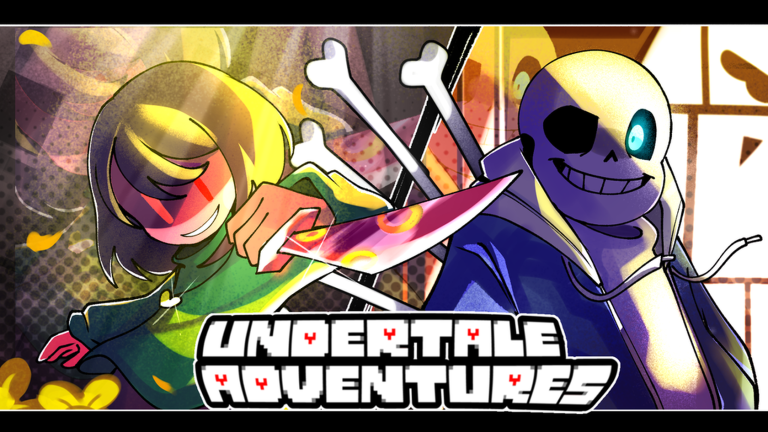
Grinding out wave after wave gets old fast when you just want to power up your team without staring at the screen all day, which is why using the Undertale Adventures X script makes total sense for skipping the repetitive clicks.
This tower defense game drops you right into classic monster battles where you defend your base using iconic units, level them up, and roll for better traits to handle tougher stages.
If you want to speed things up and let the game run itself while you grab a snack, grab the working code below and get to farming.
Undertale Adventures X Script – Kero Hub
loadstring(game:HttpGet("https://raw.githubusercontent.com/KeroTwT/Kero-Hub/refs/heads/main/KeroHub"))()Copy the code above into a compatible Roblox script executor if you choose to test it.
Undertale Adventures X Script Status
Roblox and game updates can affect compatibility, so the script’s status should be treated as temporary rather than guaranteed.
Frequently Asked Questions
What is a Undertale Adventures X script?
A Undertale Adventures X script is third-party Lua code intended to run alongside the Roblox game through a compatible script executor.
What features does this Undertale Adventures X script include?
Different scripts contain different code. This version includes: Auto Summon (x1 / x10), Auto Sell by Rarity, Auto Ready + Delay, Auto Skip Waves, Stop Auto Skip At Selected Waves, Auto Sell All Units On Selected Waves, Auto Replay / Next Stage / Return Lobby, Auto Return Lobby After X Matches, Macro Record & Playback, Auto Claim Free Underpass, Auto Leave AFK Chamber, Auto Execute.
How do you use the Undertale Adventures X script?
Pick a compatible executor such as Hydrogen, MacSploit, AWP.GG, Delta, Fluxus, Codex, launch Roblox and join the game, copy the complete Lua code from the script card above, paste it into the executor’s editor, and click Run or Execute. Compatibility changes over time, so a name here doesn’t guarantee current support.
Can a Undertale Adventures X script get your Roblox account banned?
Yes. Third-party scripts can violate Roblox rules and may put an account at risk. Only use code from a source you trust, never enter your Roblox password into a script or executor, and test on an alternate account first.
Does the Undertale Adventures X script work on mobile?
Check whether both the executor and the script support your device and the current Roblox version. Mobile executor support does not guarantee that every script will work.

