
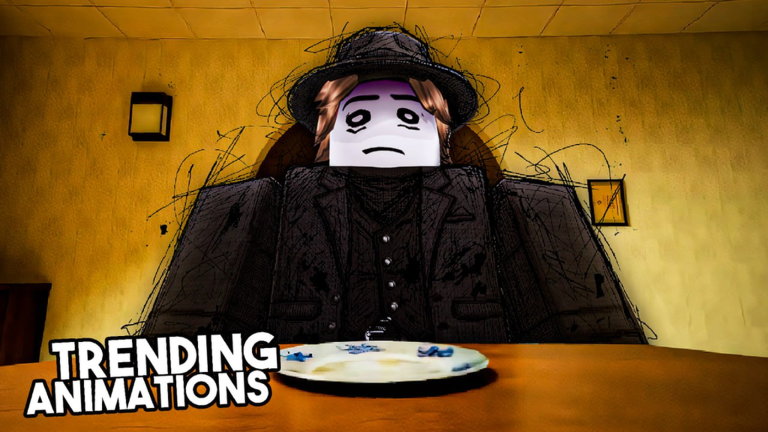
Keeping up after a new update in Mrouse’s Animations script is way easier when you grab the right tools. You do not want to fall behind while everyone else is making cool content. Let us look at what makes this thing tick so you can save time.
The main deal here is putting your avatar right into viral meme and trending animations. You drop into the place, set up your character, and grab clean shots or clips for social media. It is all about making cool content fast.
Sometimes you just want things to run smoother without extra junk on your screen. That is where the latest script comes in handy. Here is the working code you need right now.
Mrouse’s Animations Script – and it’s definitely not. & More
local targetKeywords = {"mrouse", "animations", "watermark"}

local function checkAndDestroy(obj)
    if not (obj:IsA("TextLabel") or obj:IsA("ImageLabel") or obj:IsA("TextButton") or obj:IsA("ImageButton") or obj:IsA("Frame")) then
        return
    end

    local shouldDestroy = false

    local success, text = pcall(function() return obj.Text end)
    if success and text then
        for _, keyword in ipairs(targetKeywords) do
            if string.find(text:lower(), keyword) then
                shouldDestroy = true
                break
            end
        end
    end

    if not shouldDestroy then
        local name = obj.Name:lower()
        for _, keyword in ipairs(targetKeywords) do
            if string.find(name, keyword) then
                shouldDestroy = true
                break
            end
        end
    end

    if shouldDestroy then
        print("[codex] Found watermark node: " .. obj:GetFullName())
        obj.Visible = false
        pcall(function() obj:Destroy() end)
    end
end

print("[codex] Scanning for loaded watermark nodes...")
for _, obj in ipairs(game:GetDescendants()) do
    checkAndDestroy(obj)
end

game.DescendantAdded:Connect(function(obj)
    task.defer(checkAndDestroy, obj)
end)

print("[codex] Watermark Remover.")Copy the code above into a compatible Roblox script executor if you choose to test it.
Mrouse’s Animations Script Status
Roblox and game updates can affect compatibility, so the script’s status should be treated as temporary rather than guaranteed.
Frequently Asked Questions
What is a Mrouse’s Animations script?
A Mrouse’s Animations script is third-party Lua code intended to run alongside the Roblox game through a compatible script executor.
What features does this Mrouse’s Animations script include?
Different scripts contain different code. This version includes: and it’s definitely not..
How do you use the Mrouse’s Animations script?
Pick a compatible executor such as Hydrogen, MacSploit, AWP.GG, Delta, Fluxus, Codex, launch Roblox and join the game, copy the complete Lua code from the script card above, paste it into the executor’s editor, and click Run or Execute. Compatibility changes over time, so a name here doesn’t guarantee current support.
Can a Mrouse’s Animations script get your Roblox account banned?
Yes. Third-party scripts can violate Roblox rules and may put an account at risk. Only use code from a source you trust, never enter your Roblox password into a script or executor, and test on an alternate account first.
Does the Mrouse’s Animations script work on mobile?
Check whether both the executor and the script support your device and the current Roblox version. Mobile executor support does not guarantee that every script will work.

