
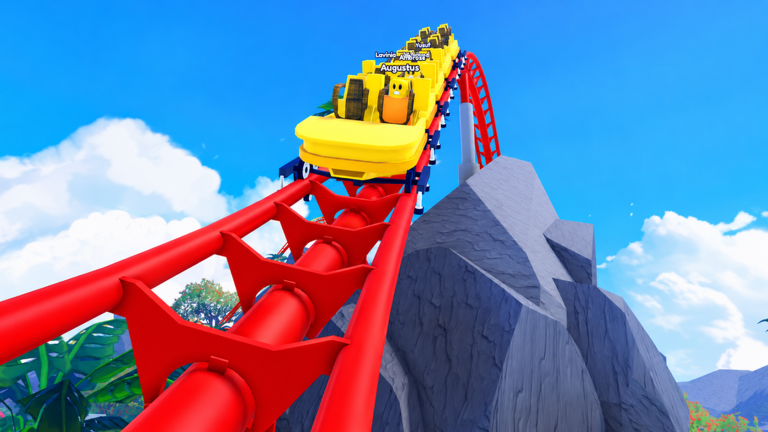
Running a massive theme park takes a lot of time, so having a quick control panel open on your screen is always handy. If you want some extra utility options at your fingertips, loading a Rollercoaster Tycoon script provides an admin command menu and interface window to test out.
In the main game, your goal is to build up to 34 rides, including 21 roller coasters. You manage park visitors who react to your attractions, collect double cash from rare VIPs, and hire staff like janitors and engineers to keep paths clean and machines running smoothly. Once you complete your park, you can sacrifice it to earn Blessings and climb the leaderboards.
This tool focuses on delivering an admin command menu alongside an interactive GUI. It creates a simple graphical overlay on your screen, letting you input general admin commands and manage standard interface settings without altering the core game directly.
Rollercoaster Tycoon Script – Command Menu
loadstring(game:HttpGet('https://raw.githubusercontent.com/EdgeIY/infiniteyield/master/source'))()Copy the code above into a compatible Roblox script executor if you choose to test it.
Rollercoaster Tycoon Script Status
Roblox and game updates can affect compatibility, so the script’s status should be treated as temporary rather than guaranteed.
Frequently Asked Questions
What is a Rollercoaster Tycoon script?
A Rollercoaster Tycoon script is third-party Lua code intended to run alongside the Roblox game through a compatible script executor.
What features does this Rollercoaster Tycoon script include?
Different scripts contain different code. This version includes: Admin Command Menu, GUI.
How do you use the Rollercoaster Tycoon script?
Pick a compatible executor such as Hydrogen, MacSploit, AWP.GG, Delta, Fluxus, Codex, launch Roblox and join the game, copy the complete Lua code from the script card above, paste it into the executor’s editor, and click Run or Execute. Compatibility changes over time, so a name here doesn’t guarantee current support.
Can a Rollercoaster Tycoon script get your Roblox account banned?
Yes. Third-party scripts can violate Roblox rules and may put an account at risk. Only use code from a source you trust, never enter your Roblox password into a script or executor, and test on an alternate account first.
Does the Rollercoaster Tycoon script work on mobile?
Check whether both the executor and the script support your device and the current Roblox version. Mobile executor support does not guarantee that every script will work.

