
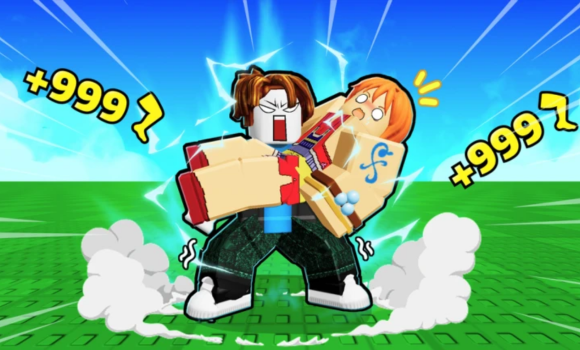
If you’re playing Baddie Jumping on Roblox and feeling stuck in repetitive grinding, you’re not alone. The game is fun, but progression can slow down quickly. That’s where a working Baddie Jumping script can help streamline your experience.
In this guide I cover all my tested Baddie Jumping scripts, their features, and how to use them safely.
What Is the Baddie Jumping Script?
The Baddie Jumping script is a Roblox script designed to automate key gameplay actions.
Instead of manually grinding for hours, you can activate features such as Infinite Cash, Free Robux Eggs, and more for free that help speed up progression and unlock zones faster.
These scripts are built to run smoothly without unnecessary delays, timers, or blockers.
Working Baddie Jumping Scripts (Tested)
loadstring(game:HttpGet("https://raw.githubusercontent.com/gumanba/Scripts/main/BaddieJumping"))()Note: All scripts listed above were tested first using MacSploit to verify functionality.
How to Use the Baddie Jumping Script
Follow these steps carefully:
- Download a Script Executor – Recommended executors include Hydrogen, AWP.GG, Delta, Fluxus, or Codex.
- Attach the Executor – Open your executor and attach it to the Roblox game process.
- Paste the Script – Copy one of the script codes above and paste it into your executor.
- Execute the Script – Click Execute. Once injected successfully, the features should activate automatically.
Important Safety Tip
Always use a high UNC and sUNC compatible executor. It’s also strongly recommended to test scripts on an alternate Roblox account first to minimize risk.
Baddie Jumping Game Information
- Game Name: Baddie Jumping
- Developer: Epic Anime Battles
- Maturity Rating: Minimal, Age 5+
- Genre: Simulation
- Subgenre: Incremental Simulator
Frequently Asked Questions
What is a Baddie Jumping script?
A Baddie Jumping script is third-party Lua code intended to run alongside the Roblox game through a compatible script executor.
Can a Baddie Jumping script get an account banned?
Yes. Third-party scripts can violate Roblox rules, and compatibility or safety is never guaranteed.

