
On this page
PUBLISHEDUPDATED
Verified Working1 Active Script100% Free
Full List of OP Scripts:
Working ScriptFree
loadstring(game:HttpGet("https://raw.githubusercontent.com/TheButcher31/Roblox/refs/heads/main/Exiled"))()Compatible executors: HydrogenMacSploitAWP.GGDelta
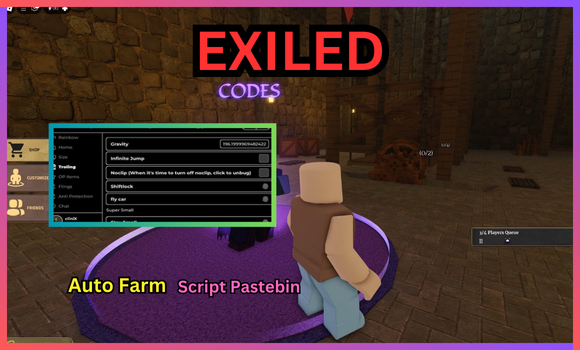
EXILED [INCIDENTS] Script Features:
Here’s the full list of features that these EXILED scripts have to offer:
- Candy ESP: Shows hidden candy spots.
- Item ESP: Highlights nearby items easily.
- Remove Fog: Clears fog for better view.
- Remove Brightness: Reduces glare on screen.
How to execute scripts?
- Download a Script Executor – I recommend → Synapse X, Delta, Codex, or MacSploit.
- Attach the Executor – Connect the tool to the game process.
- Paste the Script – Load and execute the Lua script inside the tool.
- Activate Features – Hit the execute button to inject script for custom actions.
Game Details:
- Name: EXILED
- Developer: Dreadworks Studio
- Maturity: Minimal
- Genre: Survival
- Subgenre: Escape
Frequently Asked Questions
What is a EXILED [🌪️INCIDENTS] script?
A EXILED [🌪️INCIDENTS] script is third-party Lua code intended to run alongside the Roblox game through a compatible script executor.
Can a EXILED [🌪️INCIDENTS] script get an account banned?
Yes. Third-party scripts can violate Roblox rules, and compatibility or safety is never guaranteed.
Check out our Roblox Scripts hub for more.

