
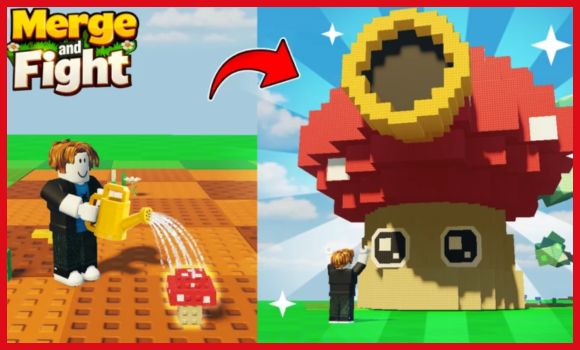
If you’re just trying to make your Merge and Fight experience way easier without dealing with a bunch of annoying steps, this is basically the shortcut you’ve been looking for.
Most scripts out there make you jump through keys, ads, timers, all that nonsense, so I wanted to give you something that actually runs smooth without the headache.
This Merge and Fight script gives you a bunch of really handy features that make the whole game feel way more fun, way simpler, and honestly just nicer to play.
Script Features:
- Auto Merge
- Auto Buy Threshold
Tip – Always use a high UNC and sUNC executor and consider testing scripts on an alt Roblox account first. If you’re ready to go, just copy the code below and paste it into your executor to get started safely.
Merge and Fight Script:
loadstring(game:HttpGet("https://raw.githubusercontent.com/gumanba/Scripts/main/MergeandFight"))()Note: Every script shared here is personally tested on MacSploit first to keep things safe and working for you.
How to use these scripts?
You simply follow these quick steps given below to get the script running in the Merge and Fight Roblox game.
- Download a Script Executor – I only recommend Hydrogen, AWP.GG, Delta, Fluxus, or Codex.
- Attach the Executor – Open the executor and connect it to your Roblox game process.
- Paste the Script – Copy the code above and paste it into the executor.
- Activate Features – Click the Execute button so the script injects and features will activate automatically.
Game Details:
- Name: Merge and Fight
- Developer: Mom One More Minute
- Maturity: Minimal (Age 5+)
- Genre: Simulation
- Subgenre: Tycoon
Frequently Asked Questions
What is a Merge and Fight script?
A Merge and Fight script is third-party Lua code intended to run alongside the Roblox game through a compatible script executor.
Can a Merge and Fight script get an account banned?
Yes. Third-party scripts can violate Roblox rules, and compatibility or safety is never guaranteed.

