
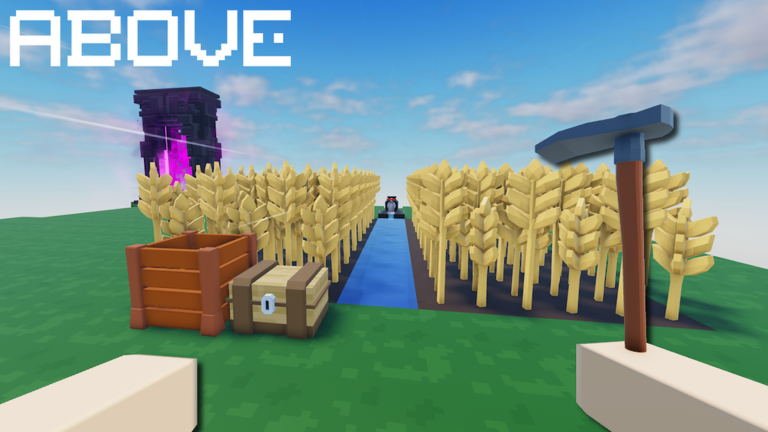
Keeping up with the resource grind can be tough when you want to build a massive factory island without spending all day chopping wood, so using the ABOVE script helps you skip the boring parts.
You start with a small plot of land and work your way up by farming, mining, and crafting until you have a fully automated base in the sky where you can visit friends and sign their guestbooks.
If you want to speed up your progress and let the game do the heavy lifting for you, grab the working code below and test it out.
ABOVE Script – slime autofarm & More
discord.gg/javelinCopy the code above into a compatible Roblox script executor if you choose to test it.
ABOVE Script Status
Roblox and game updates can affect compatibility, so the script’s status should be treated as temporary rather than guaranteed.
Frequently Asked Questions
What is a ABOVE script?
A ABOVE script is third-party Lua code intended to run alongside the Roblox game through a compatible script executor.
What features does this ABOVE script include?
Different scripts contain different code. This version includes: slime autofarm, tree autofarm, crop auto plant and harvest, ore autofarm.
How do you use the ABOVE script?
Pick a compatible executor such as Hydrogen, MacSploit, AWP.GG, Delta, Fluxus, Codex, launch Roblox and join the game, copy the complete Lua code from the script card above, paste it into the executor’s editor, and click Run or Execute. Compatibility changes over time, so a name here doesn’t guarantee current support.
Can a ABOVE script get your Roblox account banned?
Yes. Third-party scripts can violate Roblox rules and may put an account at risk. Only use code from a source you trust, never enter your Roblox password into a script or executor, and test on an alternate account first.
Does the ABOVE script work on mobile?
Check whether both the executor and the script support your device and the current Roblox version. Mobile executor support does not guarantee that every script will work.

