
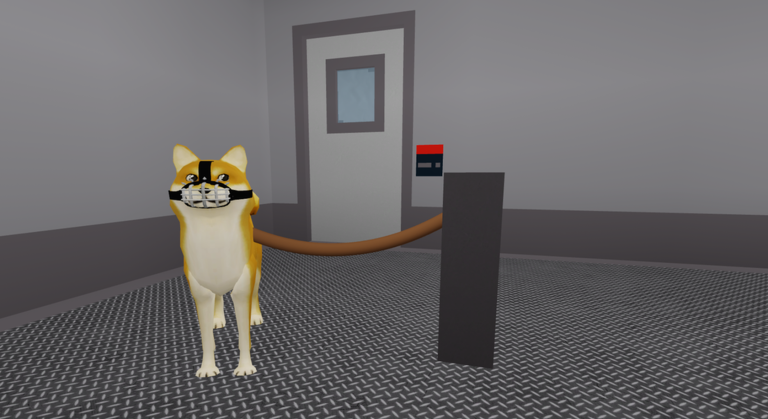
Keeping up with the latest drops is pretty tough when everyone else already has a massive edge, so grabbing a Dog Pound script just makes total sense.
You get to play as a dog trying to escape the pound, or you can switch sides and play as a guard to keep the pups in line. Recent updates brought in voice chat, handheld radios, vote kicking, cats, and a mutation machine to mess around with.
If you want to try out some extra tools while running around the pound, check out the working code below.
Dog Pound Script – DogX Hub
loadstring(game:HttpGet("https://pasteblox.com/raw/uj5p2nyhgm"))()Copy the code above into a compatible Roblox script executor if you choose to test it.
Dog Pound Script Status
Roblox and game updates can affect compatibility, so the script’s status should be treated as temporary rather than guaranteed.
Frequently Asked Questions
What is a Dog Pound script?
A Dog Pound script is third-party Lua code intended to run alongside the Roblox game through a compatible script executor.
What features does this Dog Pound script include?
Different scripts contain different code and features. Check the script menu after it loads to see everything it offers.
How do you use the Dog Pound script?
Pick a compatible executor such as Hydrogen, MacSploit, AWP.GG, Delta, Fluxus, Codex, launch Roblox and join the game, copy the complete Lua code from the script card above, paste it into the executor’s editor, and click Run or Execute. Compatibility changes over time, so a name here doesn’t guarantee current support.
Can a Dog Pound script get your Roblox account banned?
Yes. Third-party scripts can violate Roblox rules and may put an account at risk. Only use code from a source you trust, never enter your Roblox password into a script or executor, and test on an alternate account first.
Does the Dog Pound script work on mobile?
Check whether both the executor and the script support your device and the current Roblox version. Mobile executor support does not guarantee that every script will work.

