
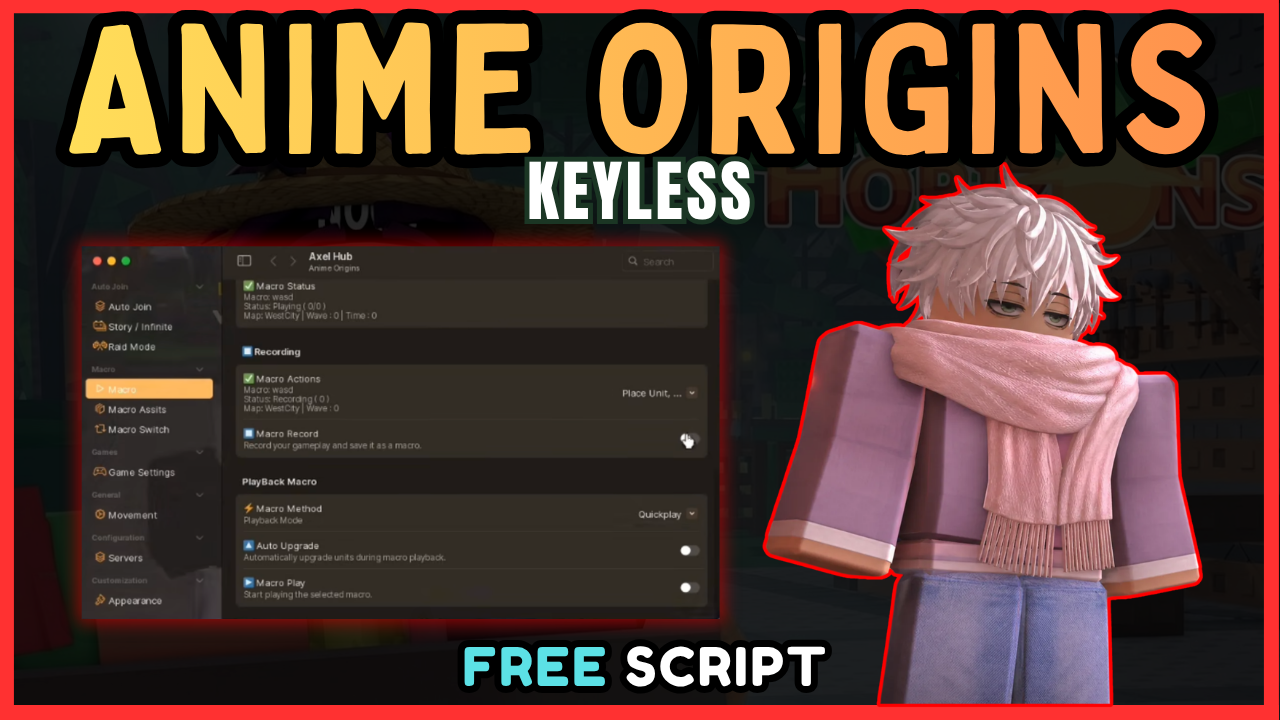
Are you tired of slow grinding in Anime Origins on Roblox? Do you want to unlock auto-play, auto-claim rewards, and macro recording without wasting hours? You’ve landed on the #1 updated guide for the best working Anime Origins scripts.
In this guide we deliver tested, keyless, and free scripts that work today. Also, we’ll tell you exactly how to use them safely on PC and Mac.
What Is a Anime Origins Script?
An Anime Origins script is a powerful Roblox automation tool that eliminates repetitive tasks. Instead of clicking endlessly, these scripts let you:
- Macro record for quick progression
- Claim quests and daily rewards instantly
- Level up faster while AFK
-
Automate combat and movement with Auto Play
Unlike broken or outdated sources, the scripts we provide here are verified, updated, and completely keyless, no surveys, no passwords, and no hassle.
Best Working Anime Origins Scripts (October 2026)
AXEL HUB
loadstring(game:HttpGet("https://raw.githubusercontent.com/lostinnowheres/Loader/refs/heads/main/Loader.Lua"))()Vellure HUB
loadstring(game:HttpGet("https://raw.githubusercontent.com/NyxaSylph/Vellure/refs/heads/main/Loader"))()✅ Status: Working as of October 2026
✅ Tested On: MacSploit & Hydrogen Executor
✅ Key Required? No – 100% free
How to Use Anime Origins Scripts (Step-by-Step)
Follow this beginner-friendly steps to run the script safely on your device.
Step 1: Download a Roblox Script Executor
Choose a trusted executor with high UNC/sUNC compatibility:
- Hydrogen Executor (Recommended)
- MacSploit
- AWP.GG
- Delta Executor
- Fluxus
- Codex
Step 2: Attach the Executor to Roblox
- Launch Anime Origins on Roblox
- Open your executor app
- Click “Attach” or “Inject” and wait for confirmation message
Step 3: Copy and Paste the Script
Copy the script code above and paste it into the executor’s command box. Hit the Execute button and a graphical user interface (GUI) of the script will appear in the game.
Safety Tips for Using Anime Origins Scripts
Important Warnings:
- Use an alt account first – Test scripts on a secondary Roblox account to avoid main account bans
- Choose high UNC executors – Low-quality executors increase detection risk
- Avoid obvious automation – Don’t leave scripts running for hours unattended
- Stay updated – Scripts can get patched; always use the latest version
Frequently Asked Questions (FAQ)
Is the Anime Origins script safe?
When used with a reputable executor and on an alt account, risk is minimized. However, all Roblox scripts carry some ban risk.
Do I need a script key?
No, the script listed above is 100% keyless and free to use.
What executor works best for Anime Origins?
Hydrogen and MacSploit are highly recommended for their stability and UNC support.
Can I get banned for using scripts?
Yes, using any third-party script violates Roblox’s Terms of Service and may result in account suspension. Always use an alt account.
Does the script work on mobile?
Most executors require PC. Mobile script execution is limited and less reliable.
Frequently Asked Questions
What is a Anime Origins script?
A Anime Origins script is third-party Lua code intended to run alongside the Roblox game through a compatible script executor.
Can a Anime Origins script get an account banned?
Yes. Third-party scripts can violate Roblox rules, and compatibility or safety is never guaranteed.

